Remove Branding
By default, a small “Powered by JamComments” link appears below your comment form:
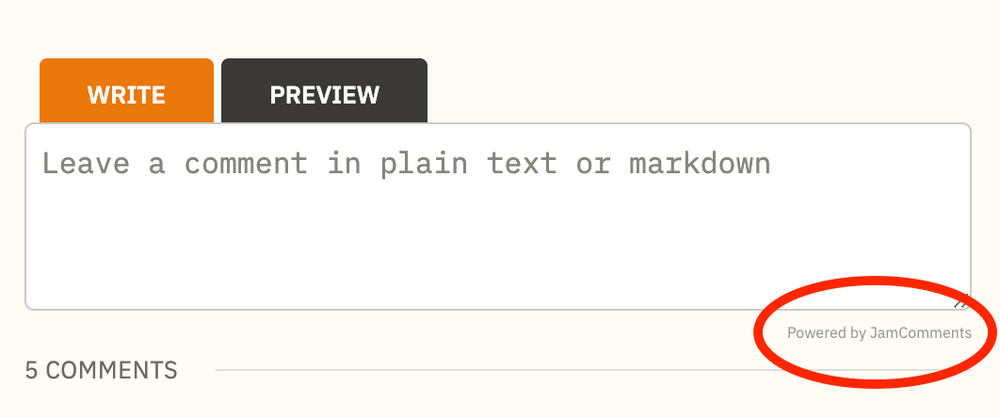
You can hide this with CSS, but a paid plan lets you remove it completely from the markup — which means search engines won’t see it either.
How to Remove the Branding
Section titled “How to Remove the Branding”- Go to your site’s settings page in the JamComments admin
- Scroll down to “Remove Branding”
- Toggle the switch
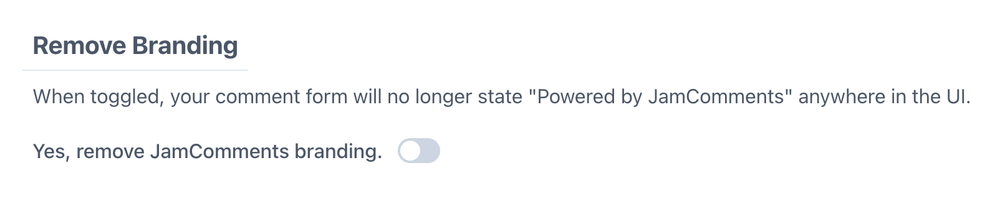
After toggling, any webhooks you’ve set up for your site will automatically trigger a rebuild.